FRAME SMART
...
The next-generation BIM platform for architects, engineers, and construction teams. Upload IFC & SketchUp (.skp) models, visualize in stunning 3D, and collaborate in real-time — all from your browser.
Format Support
Collaboration
Based Platform
A complete BIM collaboration platform packed with tools to streamline your workflow from design to construction.
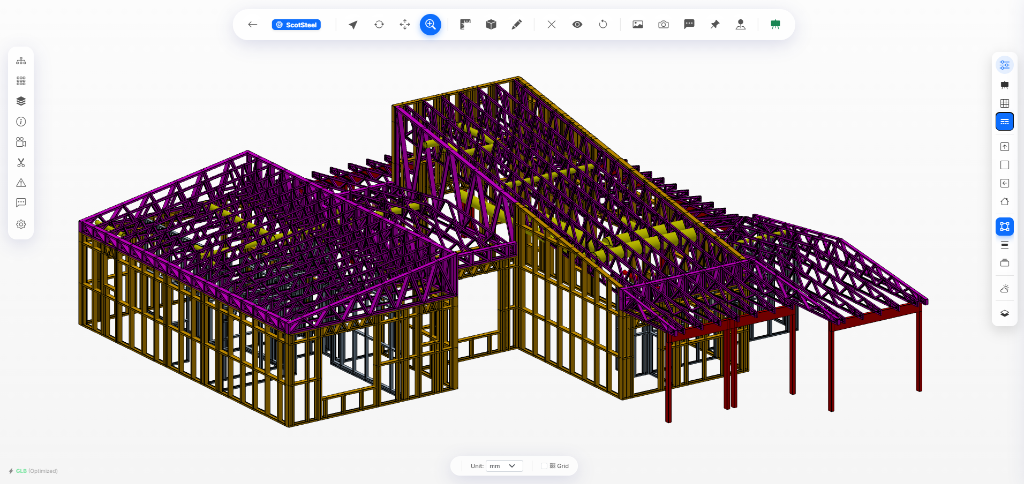
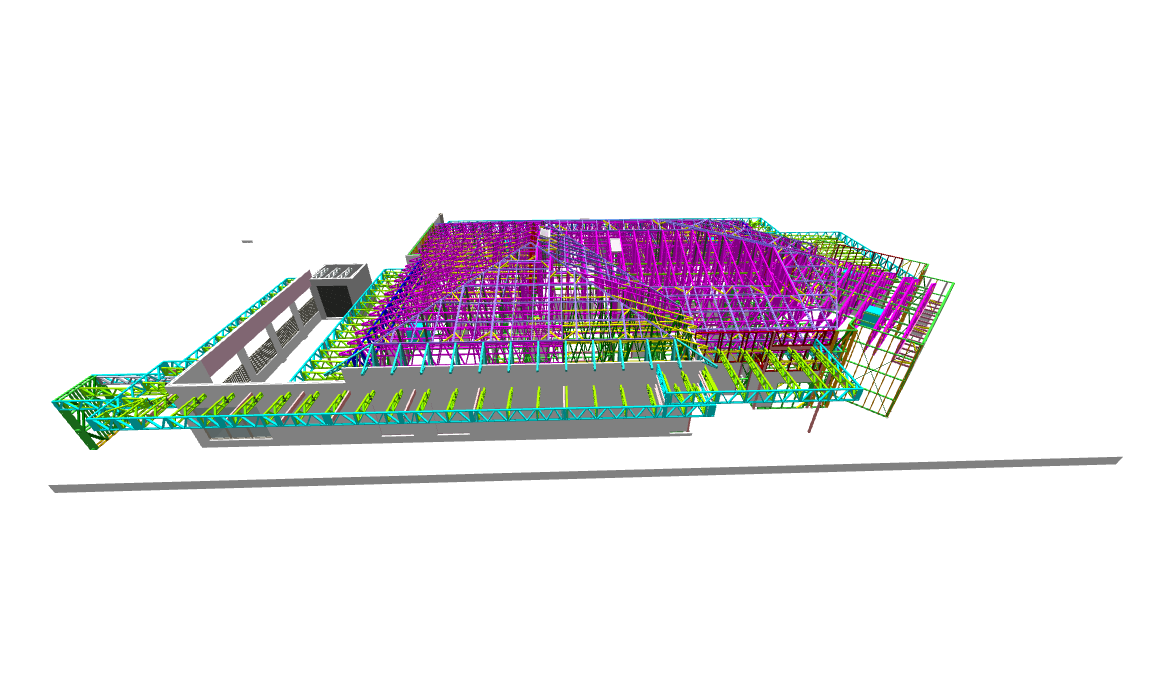
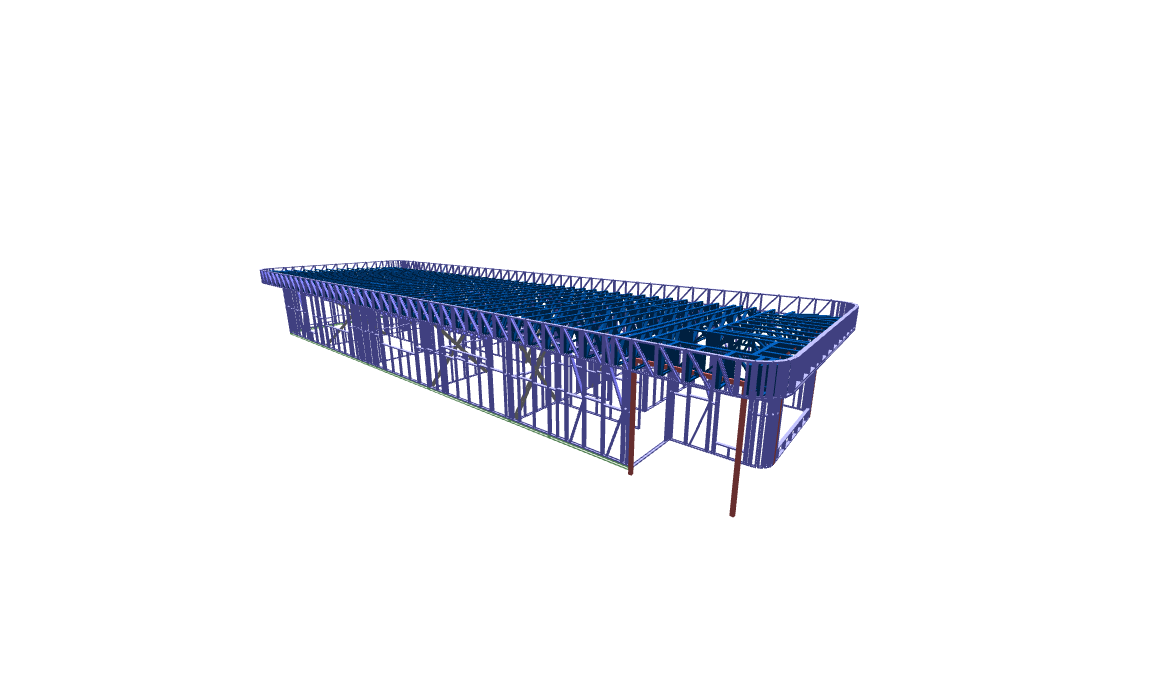
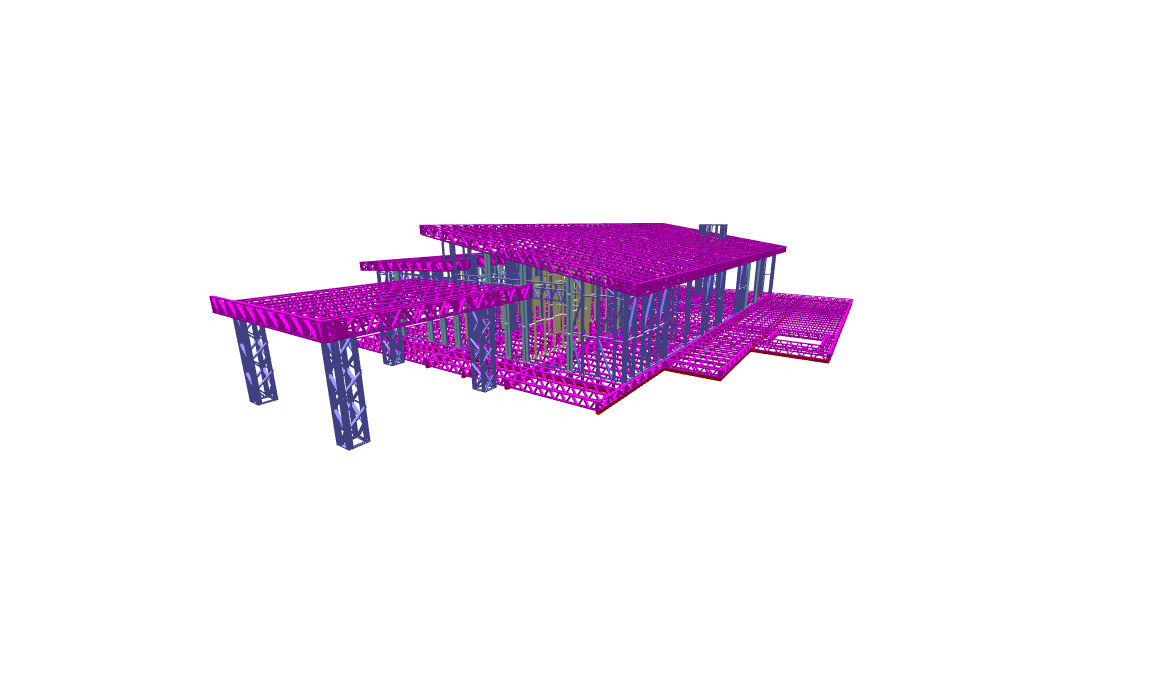
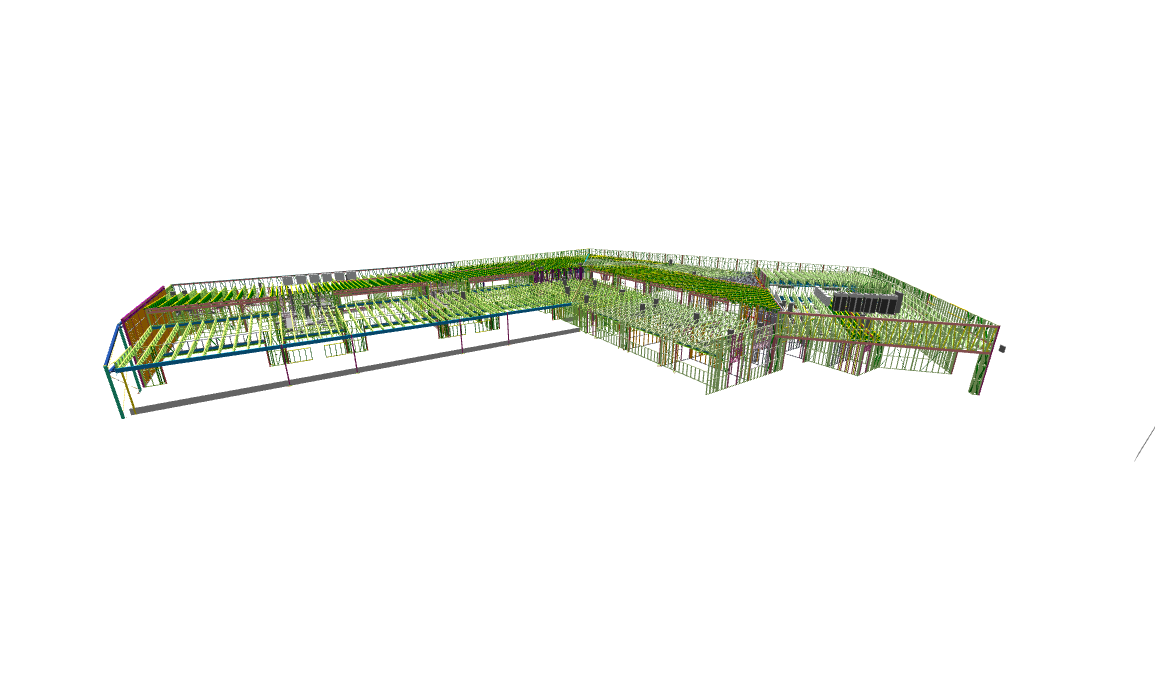
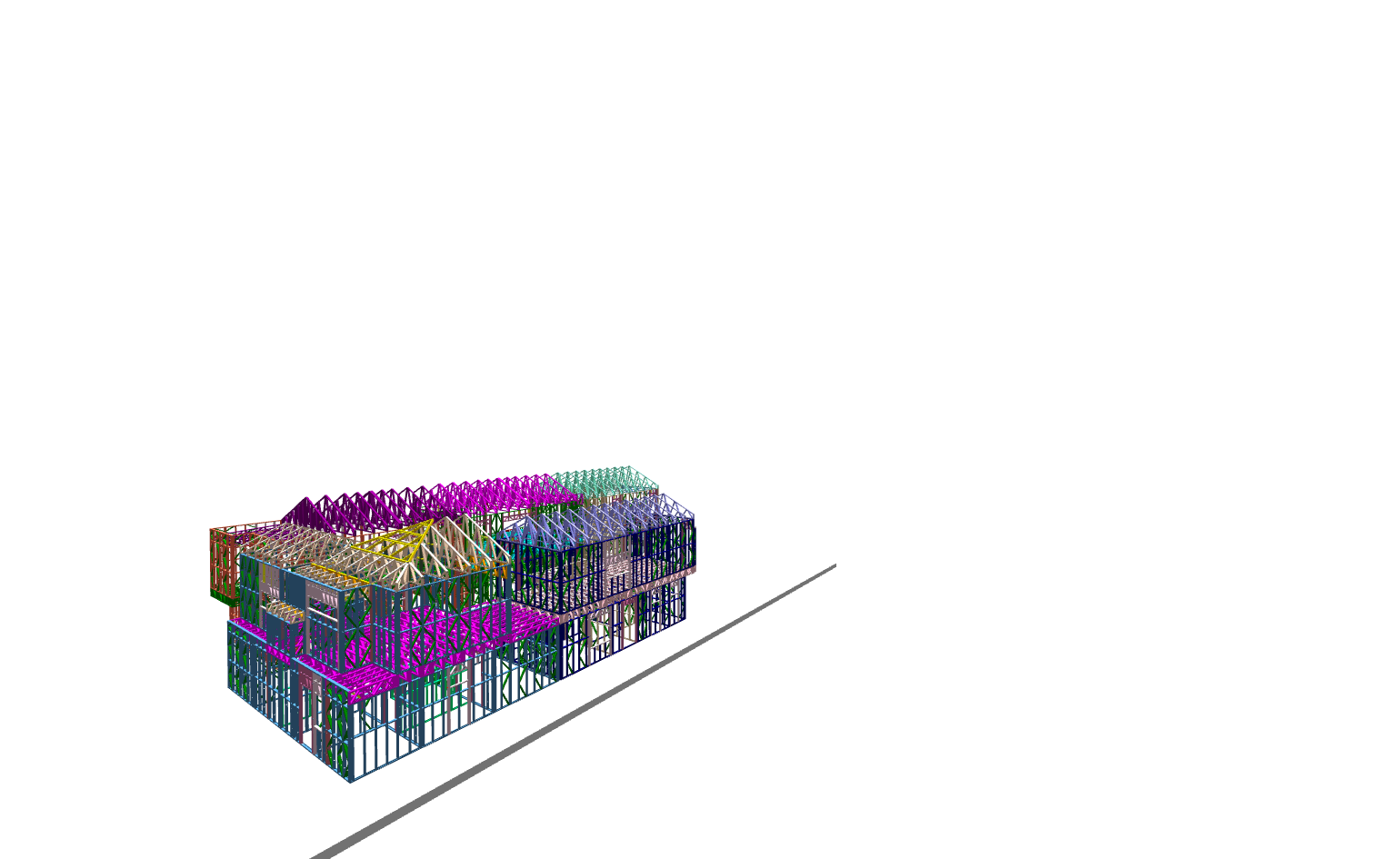
Upload and view IFC, SketchUp (.skp), & GLB models in stunning, interactive 3D. Orbit, pan, zoom, and inspect every detail of your designs.
Pin comments directly on 3D models, reply in threads, and keep discussions organized and contextual.
Create cinematic presentations of your models with custom camera angles, backgrounds, and professional framing.
Record voice or video notes directly within the viewer. Communicate ideas faster than typing — perfect for design reviews.
Place your 3D models in the real world through augmented reality. Perfect for client presentations and on-site verification.
Showcase your best projects in a stunning public portfolio. Share interactive 3D models with the world. Explore community →
Browse stunning 3D models shared by architects and engineers around the world. Explore interactive BIM models right in your browser.
No complex setup or software installation needed. Start collaborating on your BIM projects in three simple steps.
Drag and drop your IFC or GLB files. Our cloud engine automatically parses, optimizes, and generates lightweight 3D assets for instant browser viewing.
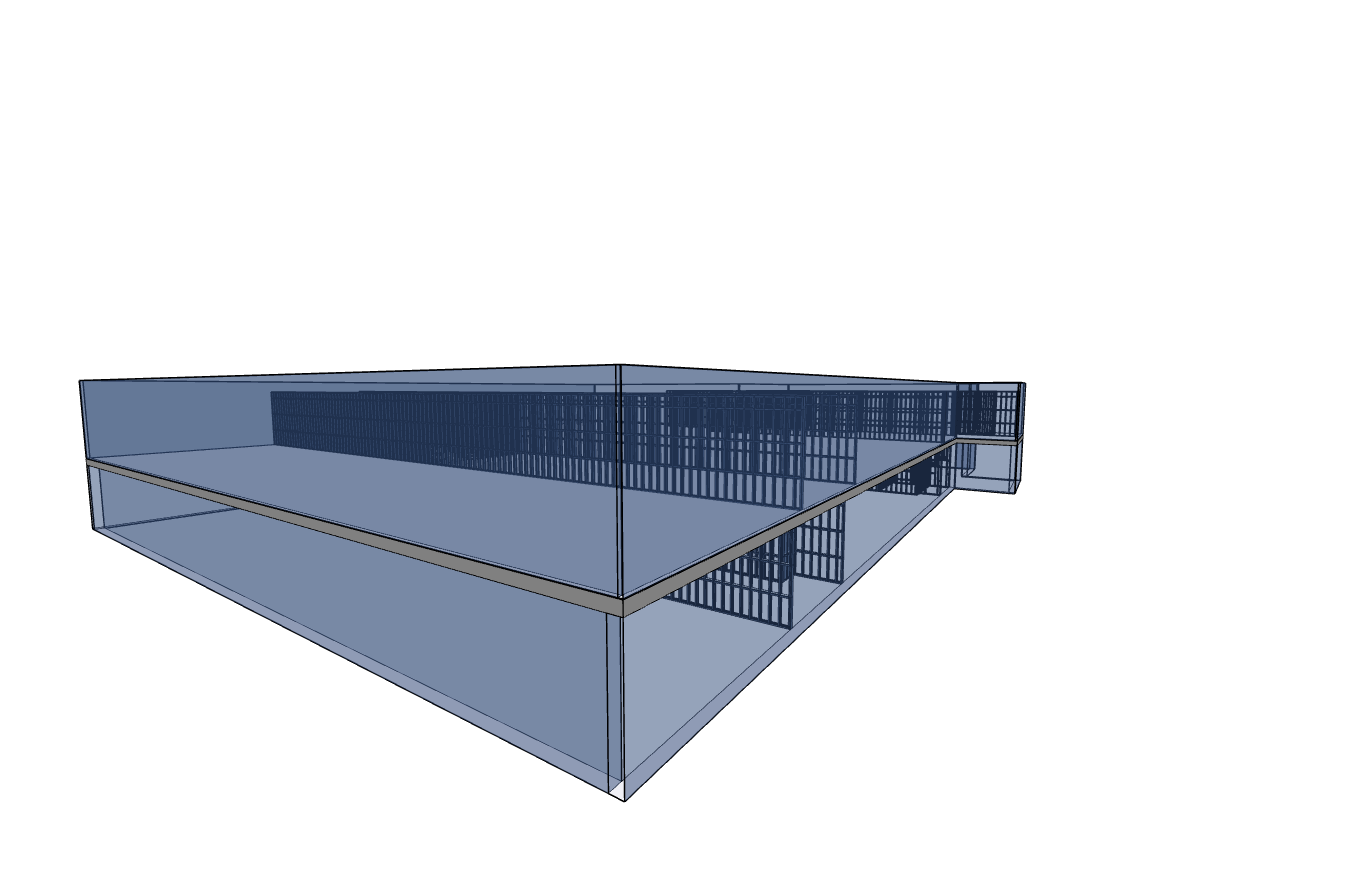
Explore your 3D models with professional BIM inspection tools — interactive cross-sections, 3D measurements, element hierarchy, and camera presets.
Generate secure view links for clients or teammates. Add pinned 3D comments, discuss issues, and keep all stakeholders aligned in real-time.
Clear, transparent usage limits designed to scale with your team — here is how they work.
The number of models you can have stored at the same time. Delete old or completed models to free up slots for new projects anytime.
The total number of models you can upload within a single billing cycle. Resets automatically every renewal month.
The number of projects you can share with clients or partners so they can view and comment without needing their own paid account.
Hit your upload cap mid-month? Easily request additional upload slots directly from your account dashboard without upgrading your plan.
Start free with generous limits. Upgrade when you need more power and storage.
Practical guides, comparisons, and tips for architects, engineers, and construction teams working with BIM.
Open and inspect IFC files directly in your browser — no software download required. Compare free online IFC viewers.
Understand the key differences between IFC and GLB file formats. Learn when to use each for your BIM projects.
Everything architects and engineers need to know about Building Information Modeling — from basics to mandates.
Join teams around the world who use Frame-Smart to streamline their design collaboration.
Whether you have questions about custom enterprise plans, feature requests, or technical support, our team is here to help.
24/7 Monitoring for active cloud rendering & viewer services.
Enterprise Software Solutions for Construction & BIM Digital Twin Tech.
Visit Official WebsiteFill out the form below and our team will get back to you right away.